Find Documents by Category
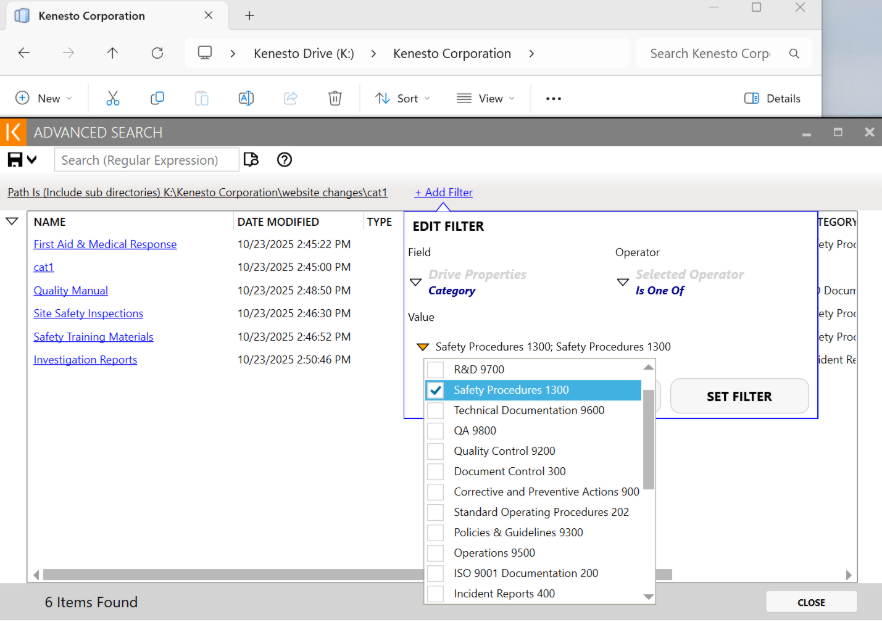
In the Kenesto drive application, use the Advanced Search function to search or filter documents by category.
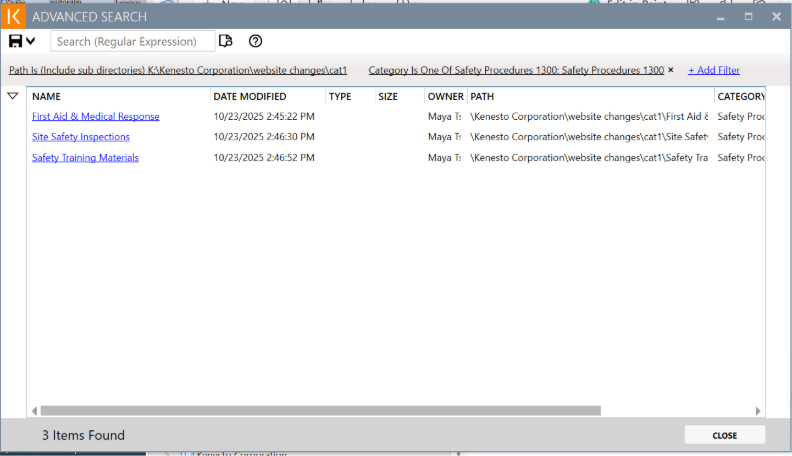
Simply choose a category (the example below uses “Safety Procedures 1300”) and returns only the related files. This gives you instant visibility and saves valuable time. You can also directly open the documents by clicking on the file name.