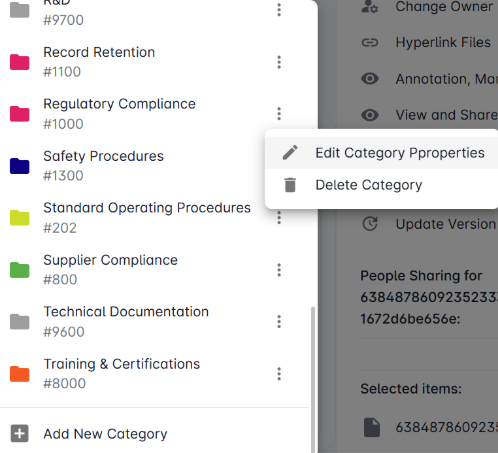
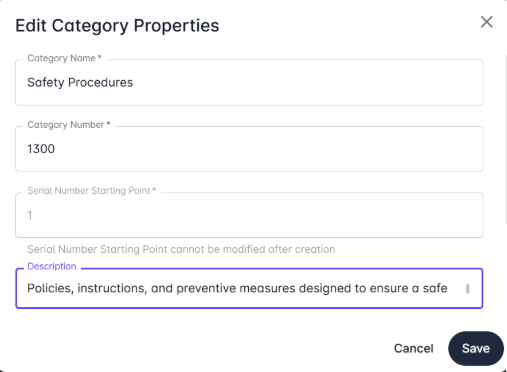
To edit an existing category
First, login to the web interface for Kenesto. Select the item you wish to edit, and click on the three dots (⋮) next to the category you want to modify. From the popup menu, select Edit Category. Make your desired changes and click Save to update.